Back to Work
2026
PDF-Compact
A browser-based PDF printing utility for combining multiple PDF pages onto one A4 sheet. It is designed for people who want to save paper when printing lecture slides.
- Primary user
- Students
- Core workflow
- PDF print layout
- Runtime
- Edge
Product tour
How PDF-Compact works
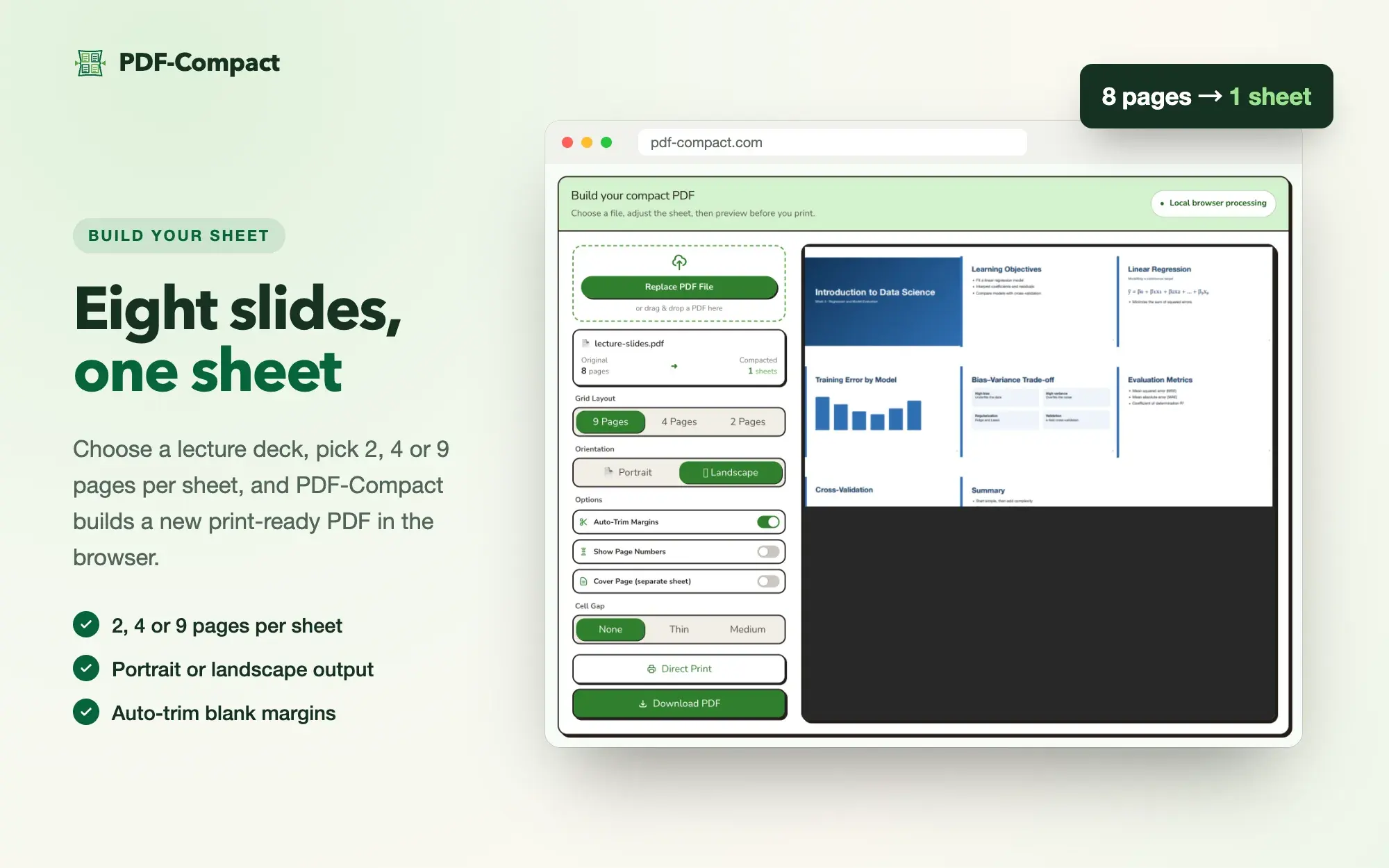
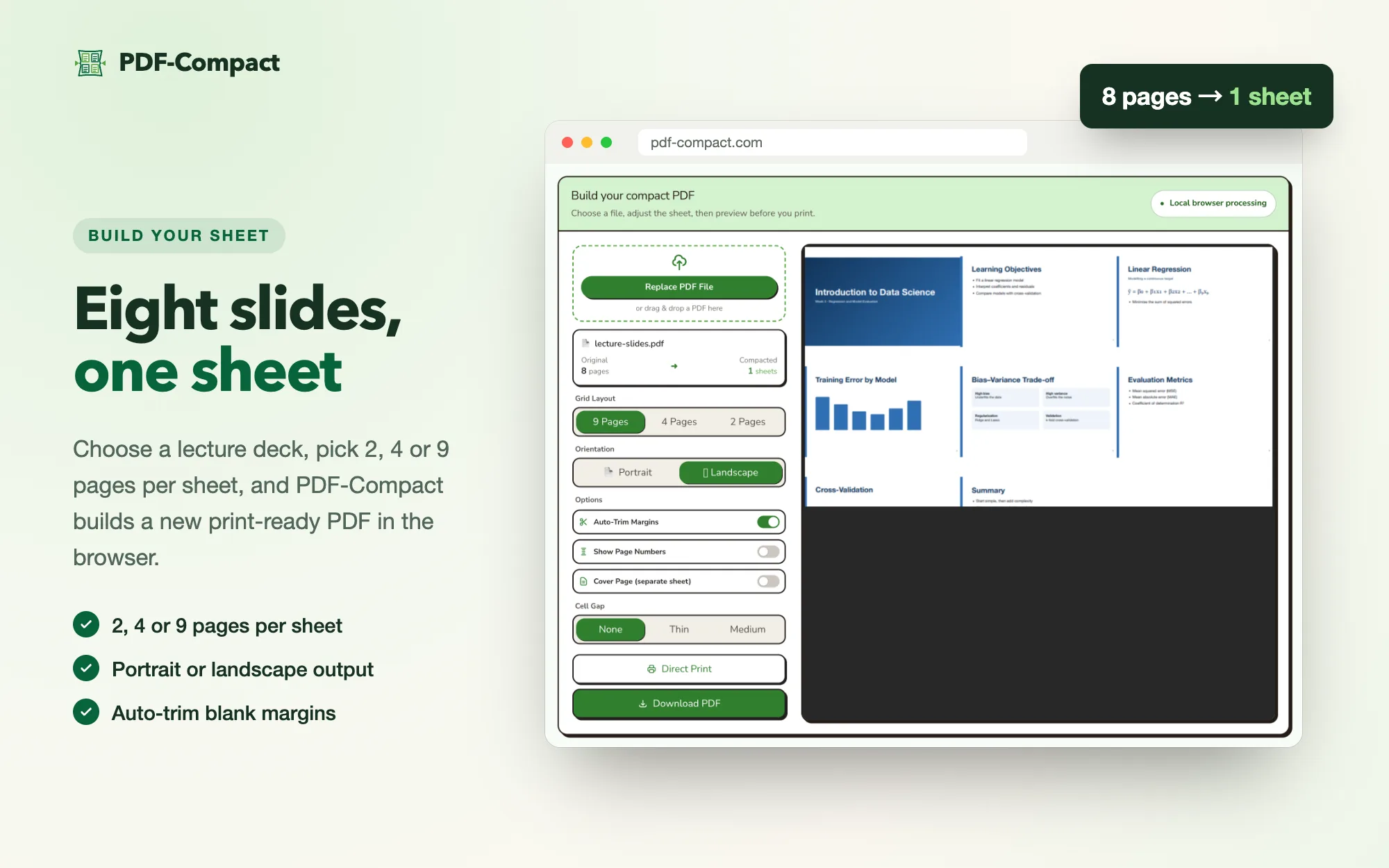
- 01 · Build your sheet
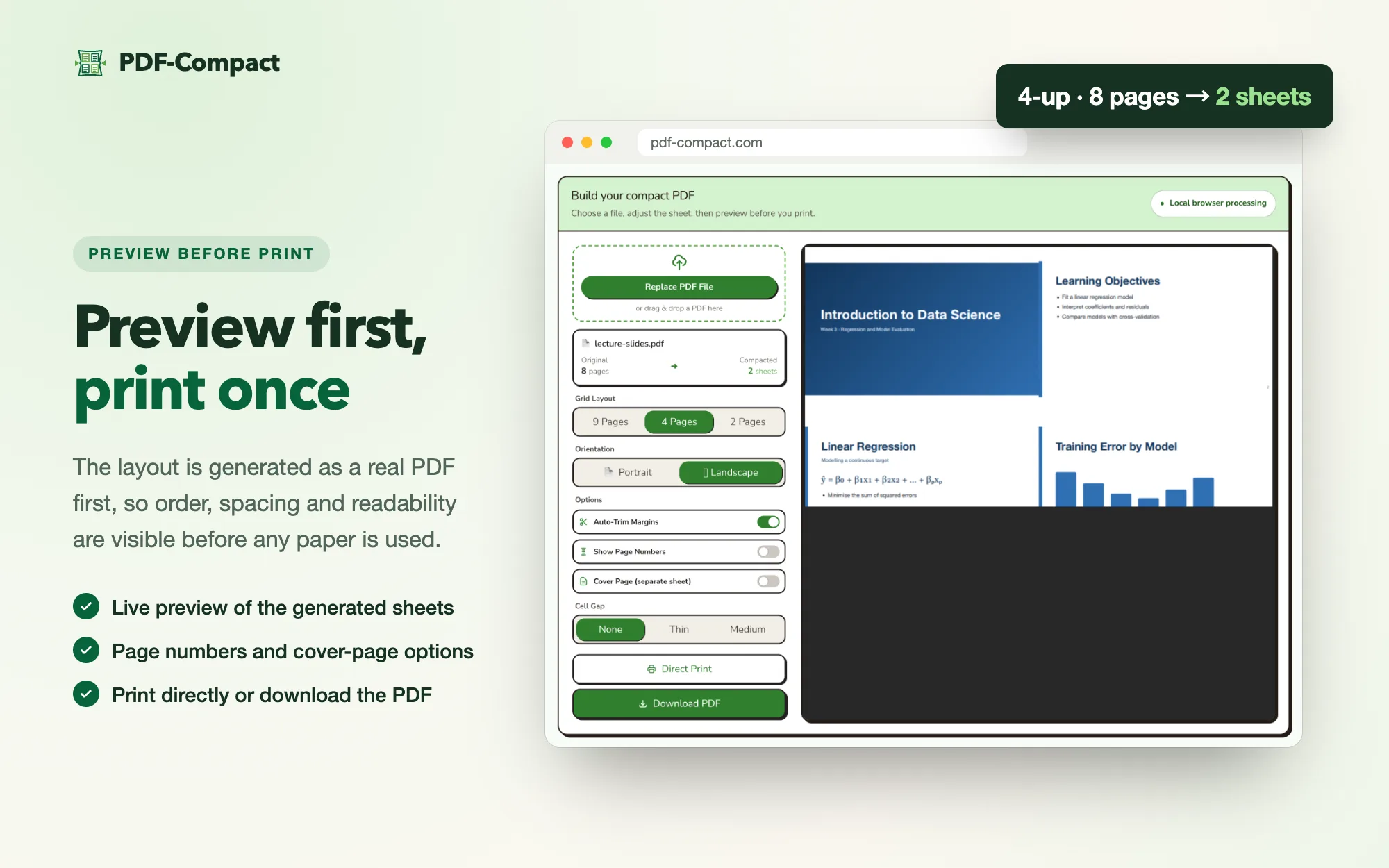
Eight slides on one sheet
Pick 2, 4, or 9 pages per sheet, orientation, margins, and cell gap; the file summary shows pages in and sheets out.
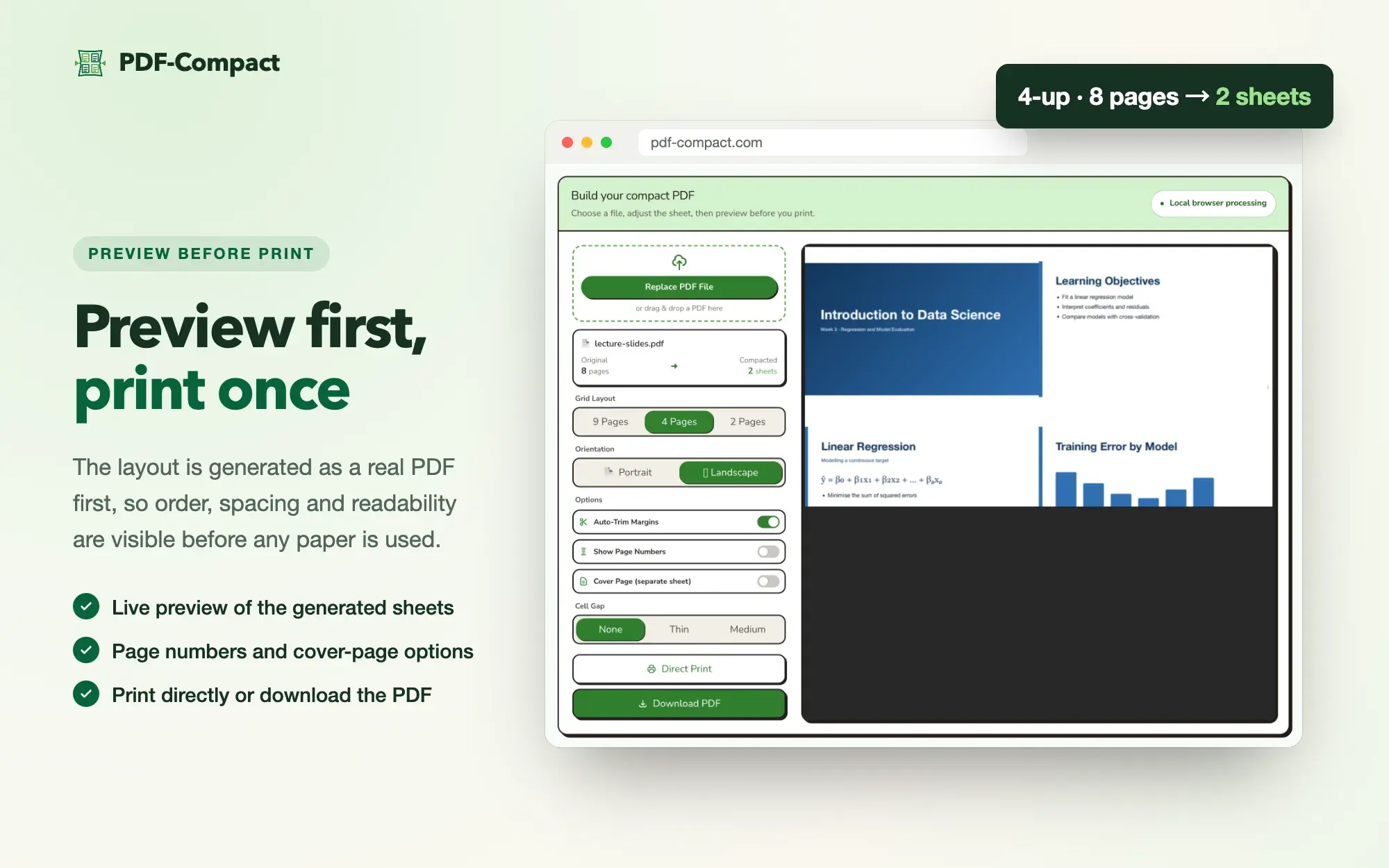
- 02 · Preview before print
Check the layout, then print once
A real PDF is generated before printing, so order, spacing, and readability can be checked without wasting paper.
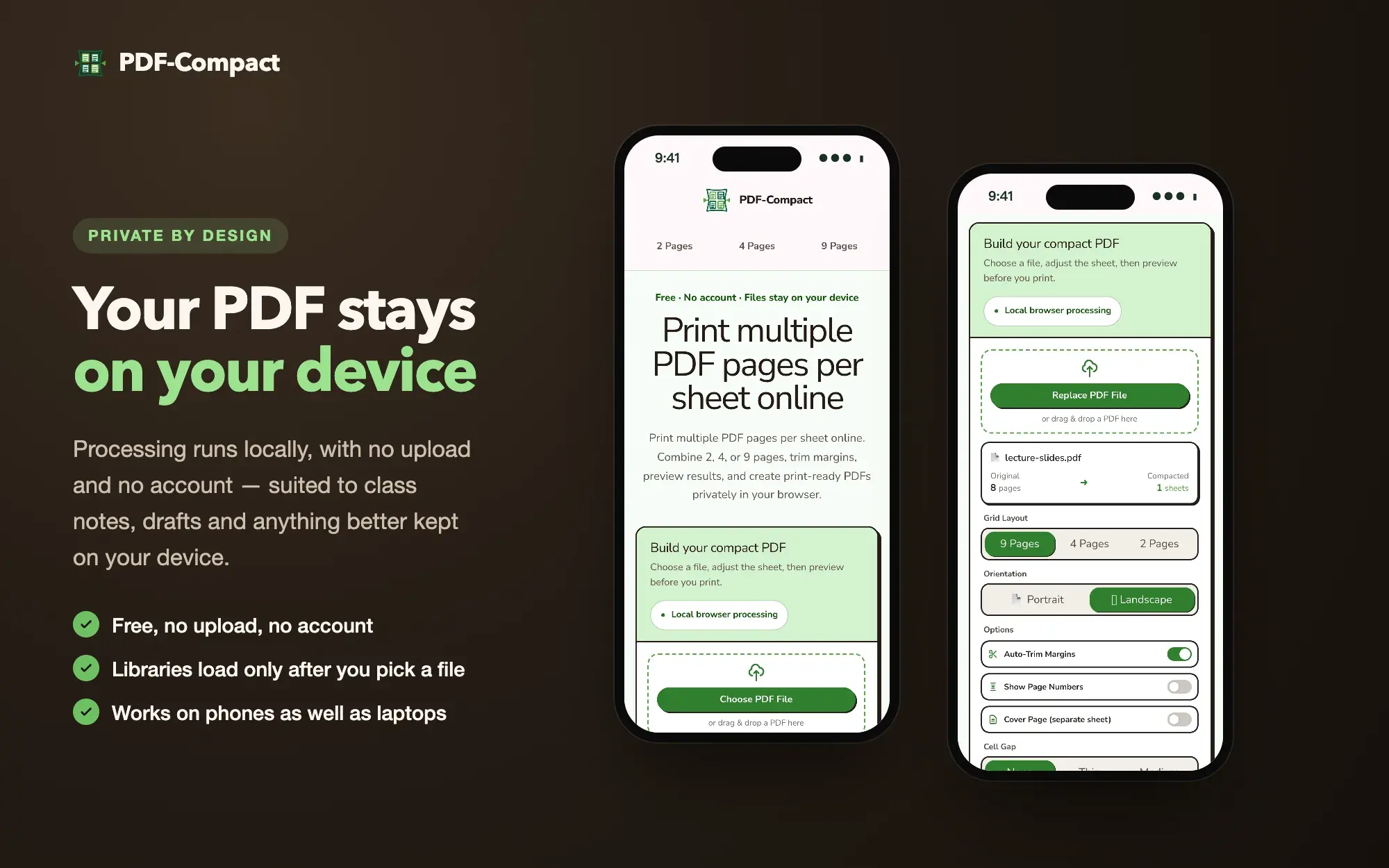
- 03 · Private by design
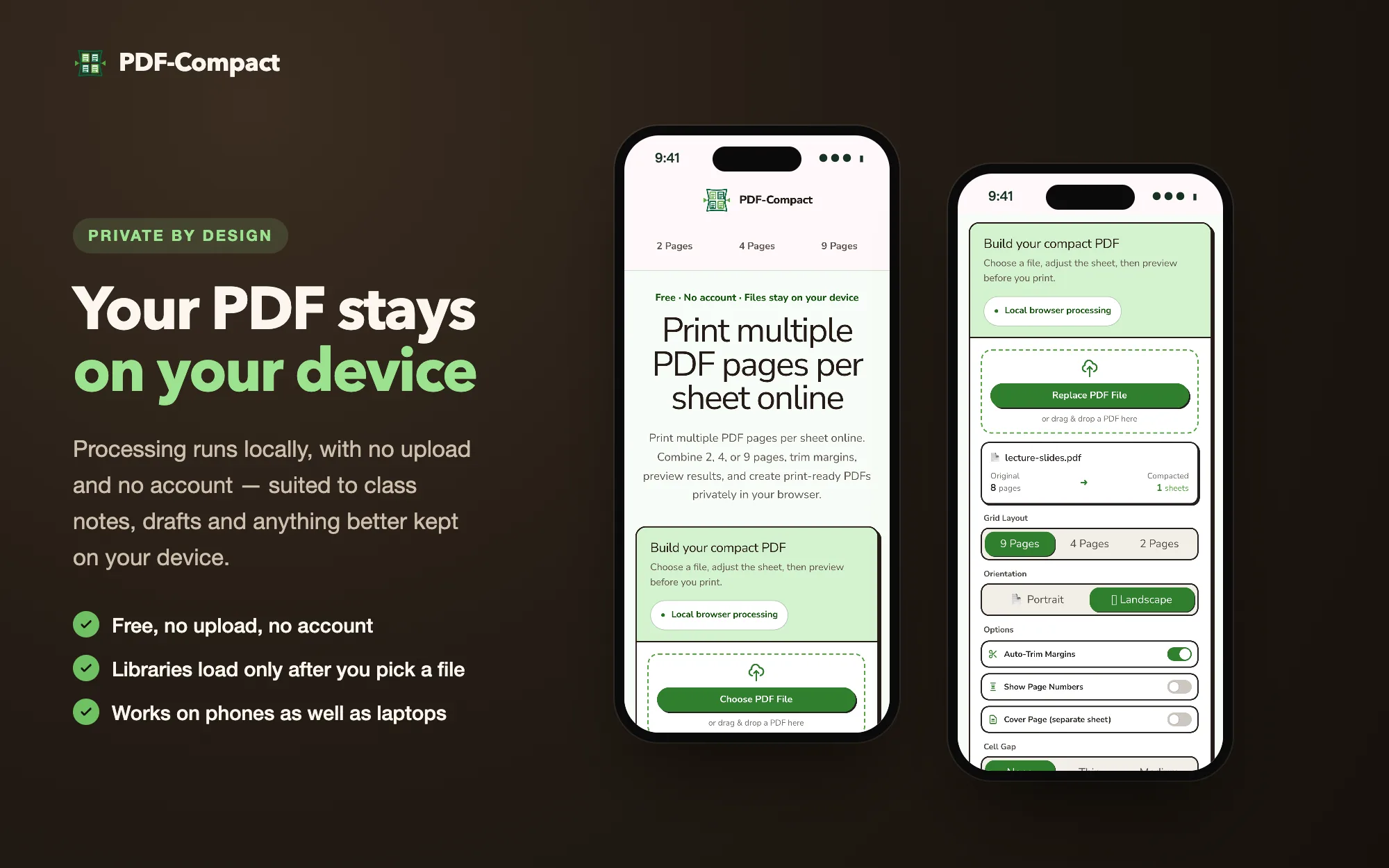
Files stay on the device
Processing runs locally in the browser, with no upload or account, and the PDF libraries load only after a file is chosen.
Region Distribution
- Singapore
- Primary target
- Asia-Pacific
- Student use case
Product Structure
- Upload and preview PDF pages before print layout generation.
- Combine multiple source pages into one A4 sheet for paper-saving lecture notes.
- Keep processing browser-friendly so the workflow feels fast and low-friction.
User Data
- Audience: students and self-learners printing slides or reading material.
- Need: reduce paper use while keeping notes legible after printing.
- Success signal: faster print preparation with fewer manual PDF adjustments.