2026
LexiWatch
A YouTube digestor that turns long videos into a source-connected study workspace: English transcript, chapters, key quotes, bilingual explanations, and timestamped notes kept beside the original video.
Product tour
How LexiWatch works
- 01 · Bilingual transcript
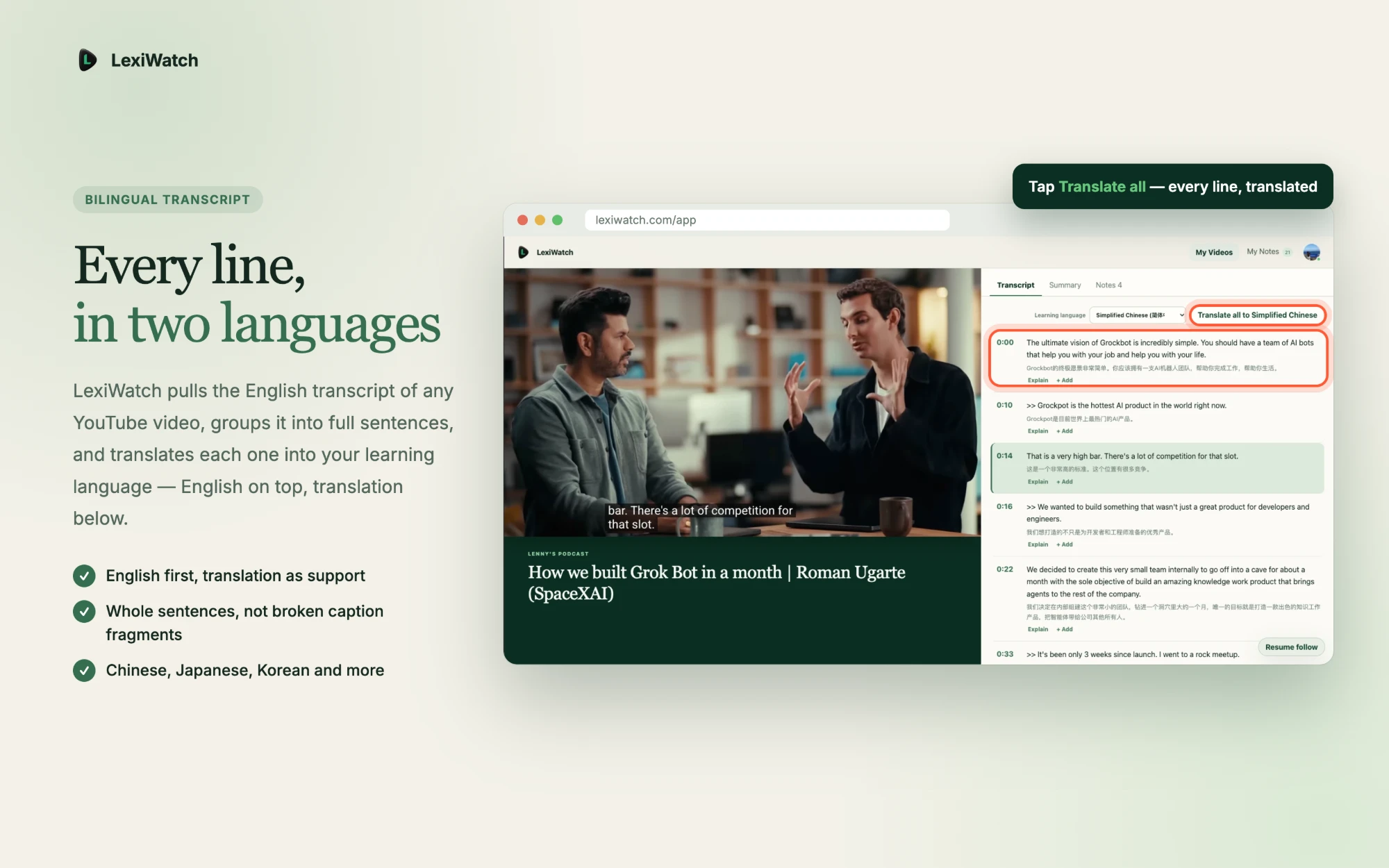
English first, translation below
The English transcript is grouped into whole sentences and translated line by line, so the original stays primary and the translation supports it.
- 02 · Tap to replay
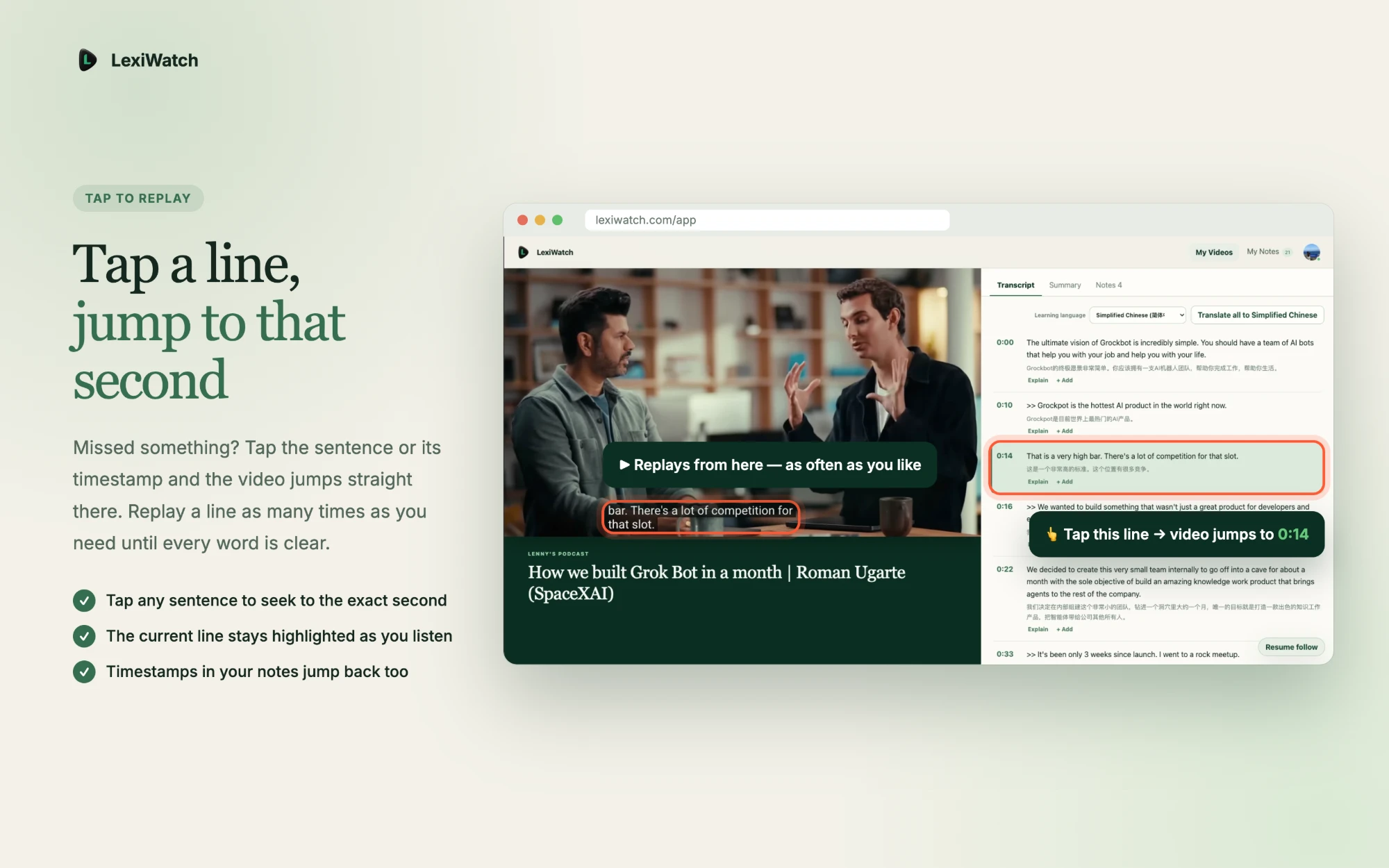
Tap a line, jump to that second
Every sentence is a seek target. The current line stays highlighted during playback, and a missed phrase can be replayed until it is clear.
- 03 · Save to notes
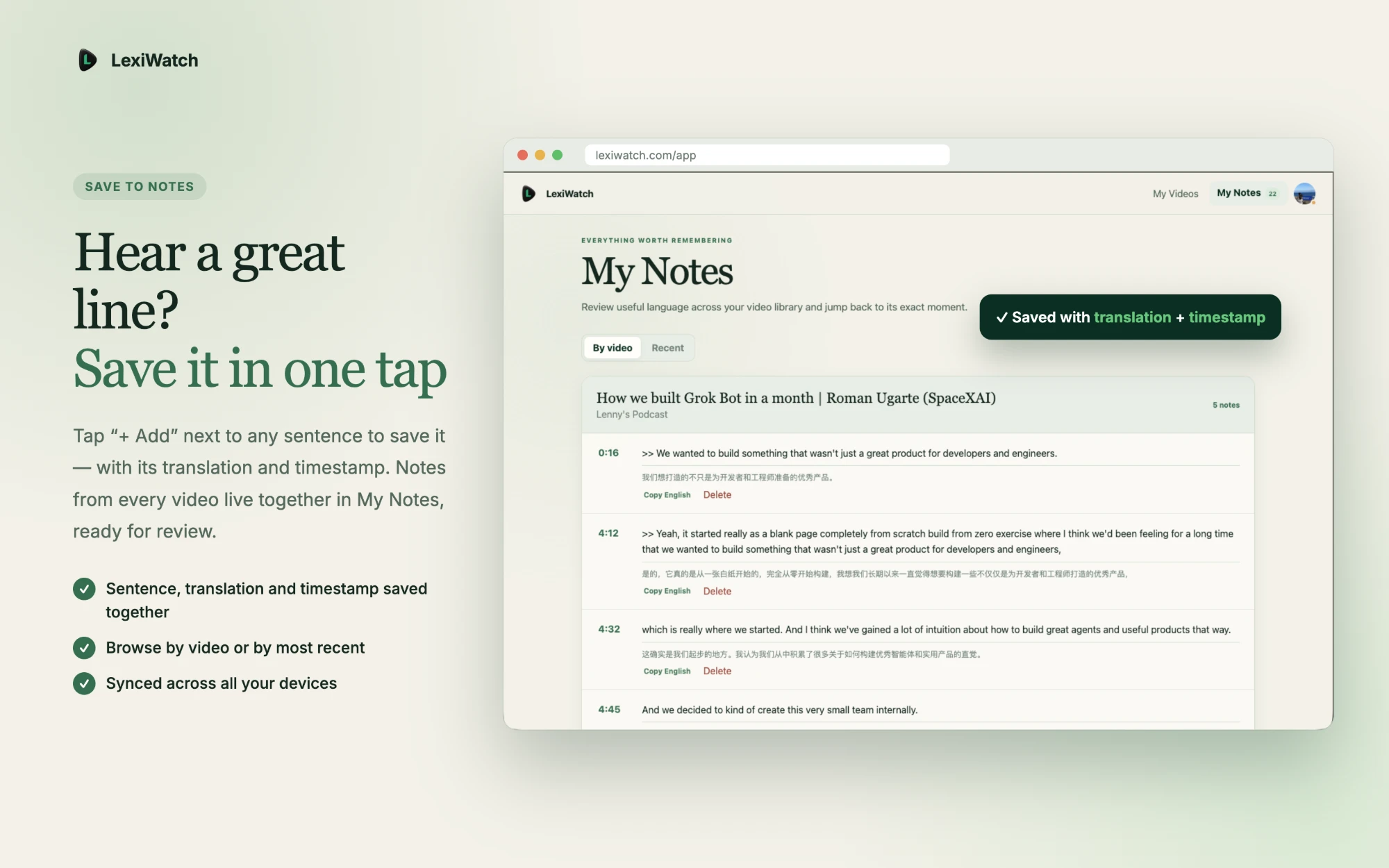
Keep a great line in one tap
Saved sentences carry their translation and timestamp into My Notes, browsable by video or by most recent and synced across devices.
- 04 · On mobile
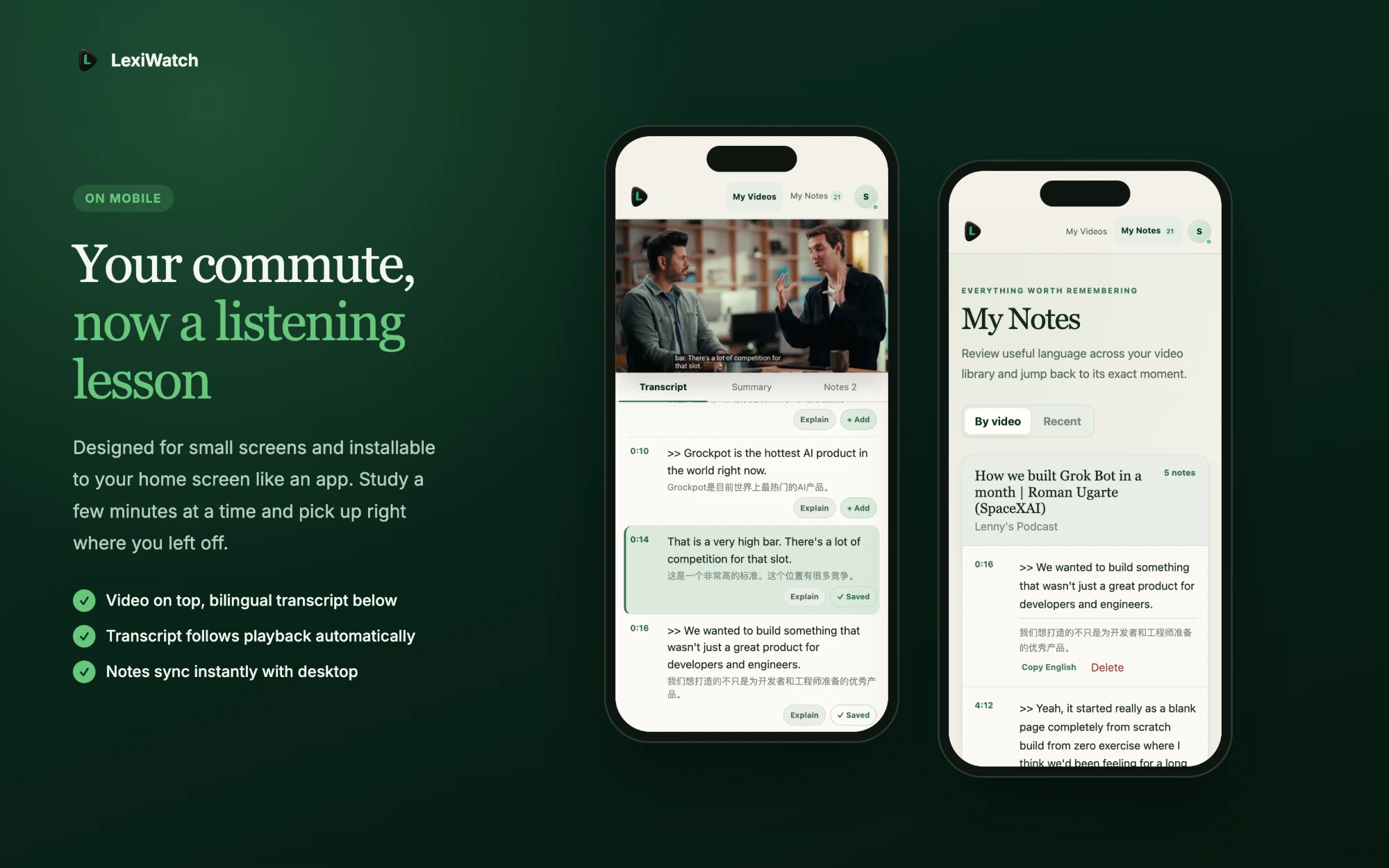
A commute becomes a listening lesson
An installable, small-screen layout puts the video on top and the following transcript below, so short study sessions pick up where they left off.
Region Distribution
Product Structure
- Paste a public YouTube link, fetch its English transcript, and regroup caption fragments into whole sentences beside the player.
- Translate every line into the learner’s language in one tap, with English on top and the translation below.
- Tap any sentence or timestamp to replay that exact moment; save useful lines with their translation and timestamp into My Notes.
- Generate chapters, key quotes, and explanations of difficult passages, then review everything on desktop or an installable mobile app.
Product Principles
- A useful digest, not a black box: every summary stays linked to the transcript and the exact video moment.
- AI output is treated as imperfect, so the source is always one click away for verification.
- The original English stays primary; translation and explanation support understanding instead of replacing it.
User Data
- Audience: English learners, researchers, and people who study long interviews, talks, lectures, and tutorials.
- Need: understand and revisit the valuable parts of a long video without scrubbing through the whole recording.
- Success signal: digests that become reusable notes, with a free monthly video and a Pro plan for heavier use.